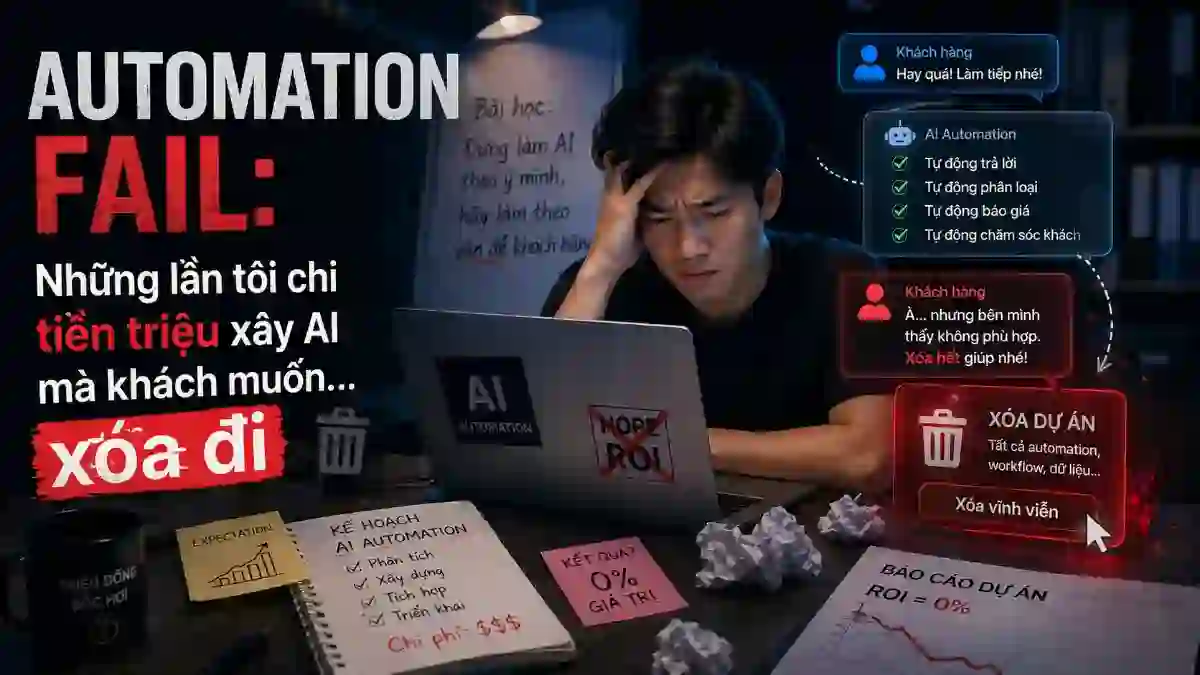
Short answer: When a client asks to delete an automation, it is rarely because the AI is weak. It is because the automation forgot the people running the process: it automated the wrong spot, its value wasn't measured before it was built, change management was skipped, and there was no fallback when the system failed. Below are 4 times I made exactly those mistakes myself, and how I fixed them.
Today I'm going to tell you about the times I "shot myself in the foot" — those automation projects I thought were "reinventing the wheel," only for the client to call: "Chau, get rid of this, it's worse than doing it manually."
These stories might make you laugh, but they were expensive lessons. I hope they help you avoid similar mistakes.
TL;DR (Executive Summary)
- Problem: The author spent real money building automation that clients wanted deleted because it caused frustration instead of help.
- Solution: Dissect four genuine mistakes — forgetting people, not measuring value, skipping change management, no contingency plan.
- Outcome: Successful automation is a long-term partnership, not a one-shot deliverable.
Mistake #1: "Automation that forgets the human" — My first time doing document processing
In 2019, I joined a project for a small insurance company. The client said: "Chau, every day staff have to manually type invoices from paper into the computer, it's exhausting. Can we automate anything?"
I was eager: "Yes! I'll build OCR to automatically recognize invoices and fill the database. No more manual typing!"
The result?
The system I built was technically correct, OCR ran at 99% accuracy... but when deployed, the staff reacted: "The software is fine, but it leaves the errors for us to fix. Now we have to check everything, it's more tiring than before!"
My mistake:
- ❌ I only optimized for AI accuracy (99%)
- ❌ I didn't ask: "When the AI is wrong, what is the fix process?"
- ❌ I didn't design UX for errors, only for the "happy path"
How I fixed it:
I went back and spent 2 weeks asking for details:
- "When OCR can't read an invoice, what do you do?"
- "What are the most common errors?"
- "If the AI is 95% accurate, how long does it take to fix the remaining 5%?"
The result was a redesigned UX:
- The AI suggests information, and staff only need to confirm (no re-typing)
- If the AI is unsure, it highlights areas for staff to review
- Created a "fast-track" for standard invoices and a "slow-track" for unusual ones
This time, the staff were very happy: "Chau, it helps a lot!" — and the manual workload dropped noticeably. It wasn't 100% automation, but "smart assistance".
Mistake #2: "Automation without measuring value" — My useless email bot
A client told me: "Chau, our customers send emails asking similar questions. Can we use AI to reply automatically?"
I was eager again: "Great! I'll use an LLM, train it on old emails, and it will reply automatically."
The result?
Finished building, deployed... 2 weeks later, the client told me to get rid of it.
My mistake:
- ❌ I didn't ask: "What percentage of emails can actually be replied to automatically?"
- ❌ I didn't measure: "How many emails does the bot reply to incorrectly that the client has to fix manually?"
- ❌ I only focused on "it works," not on "what value does it create?"
The truth: Out of 100 emails, only ~20% were standard enough to be replied to automatically. The other 80% were edge cases — the bot replied incorrectly, the client had to fix it, and instead of saving work, it cost more.
How I fixed it:
Before building any automation, I now ask 3 questions:
- "What percentage of cases do you want automation to support?" (Not 100%, but a realistic 40-60%)
- "If the AI is wrong, what is the cost to fix it manually compared to the benefits?" (Must be positive)
- "How can we measure if this automation actually reduces the workload?" (Baseline + after metrics)
Next time another client asked for something similar, I replied: "We'll only automate 30% of the most common email patterns. For the other 70%, the AI will help staff prioritize + suggest drafts, so they only need to fix 1-2 spots before sending."
The result: Staff happy, client happy, I'm happy 🎉
Mistake #3: "Change management? Not needed!" — The automation clients hated
Once, I implemented an automated product consultation chatbot. The code was perfect, and the chatbot replied well to customers. I was proud: "Handover complete, you can use it immediately!"
The result?
A month later, the support team manager called: "Chau, our team says the chatbot blocks interaction with customers. Now customers only ask the chatbot, they don't message us anymore, so we don't understand what they need. Turn it off."
My mistake:
- ❌ I only coded + deployed, didn't train the team on how to use it
- ❌ I didn't ask: "How will the support team feel when the chatbot 'takes' their work?"
- ❌ I didn't have a plan for change management — how to help the team accept new technology
How I fixed it:
Before deploying automation now, I:
- Workshop with the team: "This isn't to replace you, but to free you from repetitive tasks. You'll have more time for VIP customers."
- Pilot stealthily: Deploy to 20% of customers, measure actual results before a full rollout.
- Feedback loop: Ask the team: "Does this help you? What needs fixing?" and actually fix it, instead of treating it as a "training problem."
Next time I deployed a chatbot, I invited the support team to join the design from the start. As a result, they proactively promoted it: "Friends, chat with the bot first for urgent matters. If you want to talk to me, leave your number." — The chatbot became an asset, not a threat.
Mistake #4: "Automation without a contingency plan" — When the system went down
I built an OCR system to process contracts automatically. The system ran 99.9% of the time... but one day, the server was down for 4 hours.
The result?
The client had 500+ contracts waiting, deadlines were missed, and the client called me yelling: "Why didn't you warn me? Now I have to call 50 people to process them manually!"
My mistake:
- ❌ I focused on 99.9% uptime, forgetting that one downtime = catastrophic
- ❌ I didn't have a fallback process — what to do when the system is down?
- ❌ I didn't have an alert system — the client didn't know the system was down
How I fixed it:
For every automation project since, I plan:
- Fallback process: "If the system is down, what will you do?" — clearly documented
- Alert system: When OCR fails, the system automatically emails an alert to the team
- Batch processing: Instead of real-time, I design it to process in morning/afternoon batches with buffer time for fixes
- Manual override: The team can force-process contracts manually if urgent
The result: Client peace of mind, automation still runs, but with a "Plan B" if things fail.
The Biggest Lesson: Automation isn't "set and forget," it's a "partnership"
After 15+ implementations, I've realized:
Automation fails not because the AI is bad, but because I forgot it must serve people.
Successful projects:
- ✅ I ask carefully before coding (what is the actual pain point?)
- ✅ I measure results (how much work is actually reduced?)
- ✅ I involve the team (they feel they have a say)
- ✅ I plan for contingencies (what to do when it fails?)
Failed projects:
- ❌ I coded first, asked later
- ❌ I focused on "AI works," not on "what value it creates"
- ❌ I assumed the team would love new tech (everyone fears losing their job)
- ❌ I forgot contingencies, leaving the client to "suffer" when things broke
My Advice to You
If you're planning to implement automation (AI, chatbot, workflow, etc.), don't rush to code. First, read AI for SMEs: don't waste money on dumb chatbots to pick the right problem — and if the real root cause is scattered manual processes, what you need first might be an internal "Source of Truth" system rather than automation. Ask:
- "Are you sure you don't just want to 'have' it, but want it to 'provide value'?" → Measure before/after
- "Who will use it every day? Will they cooperate?" → Involve them early
- "When it fails, what will you do?" → Plan a fallback
- "What ROI do you expect?" → Be specific, not vague
If you have an automation project that feels "awkward," try asking yourself these 3 questions before adding more code:
- Does it actually create value?
- Is there team buy-in?
- What strategy pivot is needed?
Automation is a great tool, but it's only great when it serves people, not just to "prove you're good at tech" 😊
Nguyen Phuc Nguyen Chau
Delivery Manager
14 years of Delivery experience (Web, Systems, AI Automation) for VN/JP markets
14 years of implementing automation, including 7-8 years of shooting myself in the foot

Frequently Asked Questions
What is the most common mistake when deploying automation?
Automating while forgetting the people who run the process. When automation does not fit staff habits and real ownership, they work around it or ask to remove it.
How do I keep an automation project from failing?
Measure value before building, design change management for users, and always have a contingency plan for failures. Automation is an ongoing partnership, not a deliver-once product.
