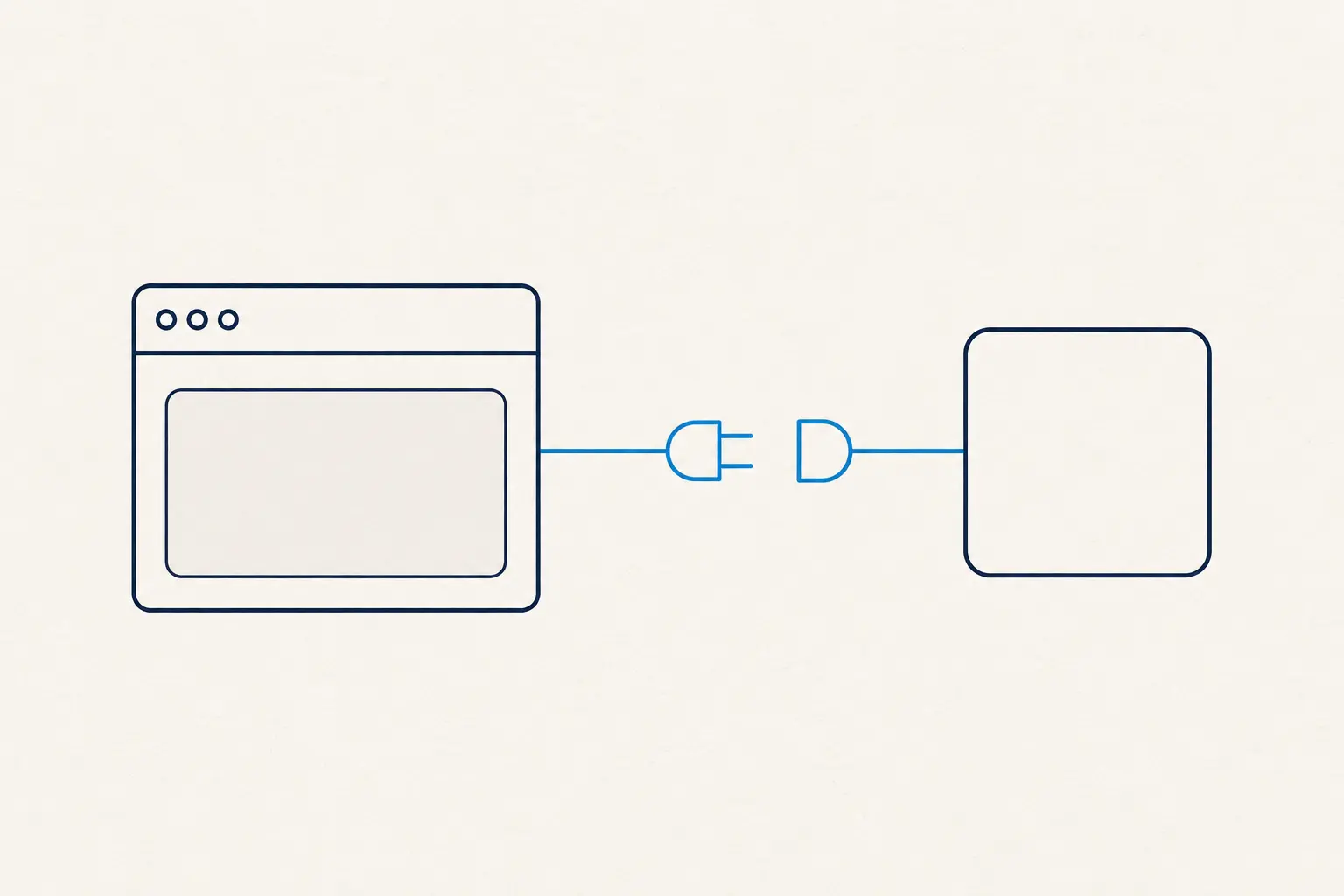
WebMCP (Web Model Context Protocol) is an emerging browser API—navigator.modelContext—that allows websites to explicitly declare their "tools" (invokable actions) for AI agents to call directly, rather than forcing agents to screenshot the screen and guess coordinates. For website owners, this is the logical step after SEO/AEO: it is not just about getting cited by AI, but about getting operated correctly by AI agents. WebMCP is currently in its preview stage (an origin trial on Chrome 149, following a Canary release in early 2026), developed by Google and Microsoft under the W3C banner. Thus, this article is about understanding and preparing, not immediate production deployment.
TL;DR (Executive Summary)
- Problem: Agents are shifting from "reading the web" to "operating the web." The current approach—taking a screenshot, passing it to a vision model, guessing coordinates, and clicking—is expensive, slow, and easily breaks when the UI changes.
- Solution: WebMCP flips the script. The website actively provides the agent with a list of tools defined by clean schemas, allowing the agent to invoke the right tool in a single turn instead of fumbling through the DOM.
- Result: A 4-axis framework to evaluate website readiness—actionable today even while WebMCP is in preview, as most of it involves cleaning up your website's foundation.
What WebMCP Actually Solves (Website Owner's Perspective)
For the past two years, optimizing websites for AI has focused on being read and cited: this is AEO/GEO. WebMCP opens a new front—being operated. When an AI agent books a calendar, filters products, or fills out a multi-step form on behalf of a user, it must take action on the page, not just read it.
The way agents do this today is by "looking at the screen like a human": capturing a screenshot → sending it to a vision model → guessing the button location → clicking → capturing a new screenshot → repeating the loop. This process is fragile: a minor CSS tweak breaks it, every step incurs expensive token rounds, and the website itself has no idea what the agent is trying to achieve.
WebMCP reverses this dynamic. Instead of letting the agent reverse-engineer the user interface, the website actively declares what actions it can perform. The agent receives a list of tools with descriptions and parameter schemas (using JSON Schema), then invokes the exact tool it needs—in a single structured turn with minimal guesswork. The killer feature that standard backend MCP servers struggle to match: the web page already holds the user's login state, session data, and business logic. Because WebMCP runs directly in the browser, it leverages all of this natively without requiring a separate backend integration.
Comparing how AI agents operate websites—before vs. with WebMCP:
| # | Before WebMCP (Agent inspects DOM/Screenshots) | With WebMCP (Site declares tools) |
|---|---|---|
| 1 | Screenshots the page | Reads list of tools + schemas |
| 2 | Guesses coordinates to click | Invokes the correct tool—in a single turn |
| 3 | Clicks / inputs into DOM | Receives structured response |
| → | Multi-turn loops, fragile to UI changes | Active website control, highly stable |
WebMCP flips the script: instead of the agent trying to reverse-engineer the UI, the website explicitly declares what it can do.
Two Ways to Declare Tools: Declarative and Imperative
WebMCP offers two integration routes, depending on complexity:
- Declarative (via HTML forms). For actions that are naturally represented as forms—search, filtering, registration—you simply annotate your existing HTML form markup (adding tool names and descriptions) to expose it as a WebMCP tool. This requires minimal code and suits most content and e-commerce websites.
- Imperative (via JavaScript). For dynamic, multi-step workflows that require logic, you define the tools in JavaScript using
navigator.modelContext.provideContext(...). Each tool features aname,description, aninputSchema(JSON Schema), and an execution handler. Syntactically, it mirrors how you define tools for OpenAI or Anthropic APIs—but it runs entirely client-side in the browser.
Website declares a tool for the AI agent, directly in the browser:
// Website declares a tool for the AI agent, directly in the browser
navigator.modelContext.provideContext({
  tools: [
    {
      name: "search_products",
      description: "Search products by keywords and maximum price",
      inputSchema: {
        type: "object",
        properties: {
          query: { type: "string" },
          maxPrice: { type: "number" },
        },
        required: ["query"],
      },
      async execute({ query, maxPrice }) {
        // Leverage the page's existing logic and session state
        const results = await store.search(query, { maxPrice });
        return { results };
      },
    },
  ],
});
The agent doesn't need to know where the "Search" button is on the screen; it reads search_products, sends parameters matching the schema, and receives a structured response.
Security Boundaries (Do Not Skip)
Since WebMCP permits agents to execute actions on your page, security cannot be treated as an afterthought:
- Secure Contexts Only: Runs strictly under HTTPS and on origin-isolated documents. Tools will not be exposed on insecure HTTP pages.
- Web Security Alignment: Same-origin policies and CSP are enforced just like any other browser feature.
- Permission & Consent: Controlled via the
toolsPermissions Policy (defaults toself); cross-origin iframes must explicitly be granted access withallow="tools". This ensures you decide who is allowed to expose tools, rather than having them open by default.
My rule of thumb for delivery: any writing or irreversible tool must require human confirmation. Letting an agent search, filter, or view is fine; but "placing an order," "canceling a booking," or "making a payment" must involve a manual approval step, just as with any critical tool design.
WebMCP Website Readiness Framework (4 Axes)
This is the work you can do right now, even while WebMCP is in preview—because it focuses on cleaning up your foundations, not gambling on an unfinished API. I evaluate readiness along four axes:
| Axis | Key Question | Action Item Today |
|---|---|---|
| 1. Which tools? | What are the "high-value actions" on the site—what do agents (and users) actually want to do? | List them out: booking, querying, filtering, add-to-cart, signing up... This is your future tool list. |
| 2. Which layer? | Is the action already form-based (→ declarative) or a dynamic flow needing JS (→ imperative)? | Prioritize making key forms semantically clean; isolate UI logic for complex flows. |
| 3. How secure? | Which actions are read-only, and which are write-only/irreversible? | Ensure clean HTTPS setup and flag actions that strictly require human confirmation. |
| 4. Logging & Handover | When a tool is triggered, what does the agent invoke, and should it be exposed? | Prepare a logging mechanism for tool calls; define what should NEVER be exposed (e.g., direct payments, deleting data). |
To sum it up: Without writing a single line of WebMCP code, you can prepare by mapping your tools, cleaning up your forms, and categorizing safety boundaries. Once the API stabilizes, integration becomes a straightforward technical task.
Where WebMCP Fits in the Bigger Picture
| Concept | Purpose | Execution Environment |
|---|---|---|
| SEO / AEO / GEO | Getting discovered & cited by AI | Your page content |
| MCP Server | Letting agents query your backend tools/systems | A separately hosted backend server |
| WebMCP | Letting agents operate directly on your page | Inside the browser, on the website itself |
These three complement rather than replace each other. AEO/GEO handles being read; WebMCP handles being operated. If you are optimizing to get cited by AI (see AEO/GEO website optimization), WebMCP is the next step: preparing for a future where agents do not just read, but act.
Caution: It is Early, Don't Bet the Farm
To be frank: WebMCP is in preview. The API is subject to change, browser support is currently limited to Chrome (behind a flag), and other browser engines have not committed to timelines. Therefore:
- Do not allocate substantial budget to build WebMCP for production today—the spec is not finalized.
- Do not confuse WebMCP with standard backend MCP servers: one runs client-side in the browser, the other is on the backend.
- Do work on the 4-axis framework above—these improvements are valuable regardless of how WebMCP shapes up, and they position you to act fast when it goes mainstream.
This is exactly the type of window I like to prepare for: early enough to gain an edge, but with enough backing (Google, Microsoft, W3C, and a working implementation) to be more than just hype.
From getting cited by AI to getting operated by AI agents
WebMCP is the missing link between AI agents and the web, enabling agents to work on your pages without fumbling with the visual interface. For website owners, it is a reminder that "AI optimization" will soon evolve from getting cited to getting operated. There is no rush to code yet, but it is time to start thinking in the language of "tools": what does your site allow users to do, and which actions are safe for an agent to trigger?
To read further: the foundational MCP protocol is explained in Model Context Protocol and the advanced guide. When building agents that consume these tools, check out Claude Agent SDK vs Claude API vs Claude Code. The complete learning path is compiled at /learn/claude.
Nguyễn Phúc Nguyên Châu
Delivery Manager
14 years of delivery experience (Websites, Systems, AI Automation) for the Vietnam–Japan market

Frequently Asked Questions
What is WebMCP?
WebMCP (Web Model Context Protocol) is an emerging browser API (navigator.modelContext) that lets websites declare their core actions as structured 'tools'. AI agents can call these directly instead of screenshotting the page and guessing where to click.
How does WebMCP differ from standard MCP?
Standard MCP (server-side) runs on the backend and often requires rebuilding business logic there. WebMCP runs client-side in the browser, right on your webpage. This allows it to leverage existing session data, login states, and UI logic without setting up a separate backend server.
Can I use WebMCP today?
Not in production yet. As of mid-2026, WebMCP is in preview: it debuted in Chrome 146 Canary (Feb 2026) and is currently in Origin Trial on Chrome 149 under the chrome://flags/#enable-webmcp-testing flag. The spec is still evolving and is developed by Google and Microsoft within the W3C.
What should a website owner do right now?
No need to allocate large development resources yet. The best step is to map your site's 'high-value actions' (booking, search, filtering, add-to-cart)—as these are the tools agents will want to call—and keep your foundation clean (HTTPS, semantic forms) so you can adopt WebMCP quickly once it stabilizes.
